For people who make things

See where your audience begins.

See which tracked links bring subscribers to your work.

  • No card to start
  • Your work, your audience

Building in public before launch. Explore the product

One home for the whole projectSample hub
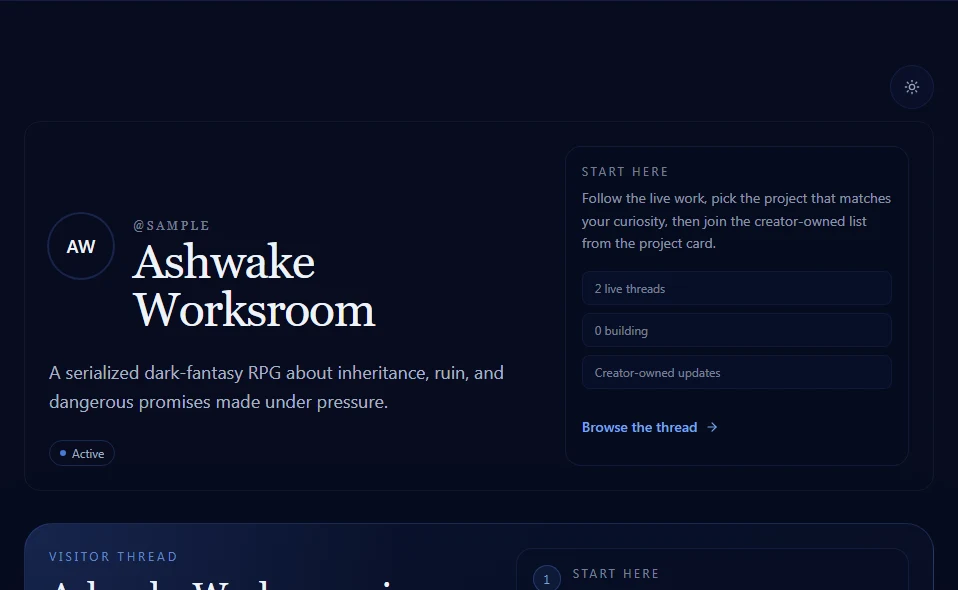
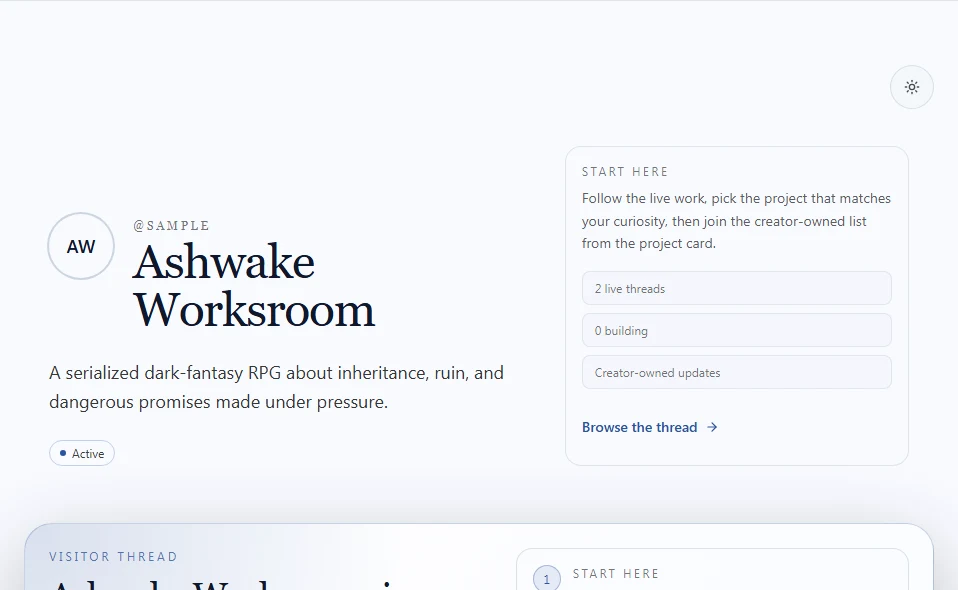
Ashwake Worksroom’s sample hub, with its creator introduction and a guide to its projects.
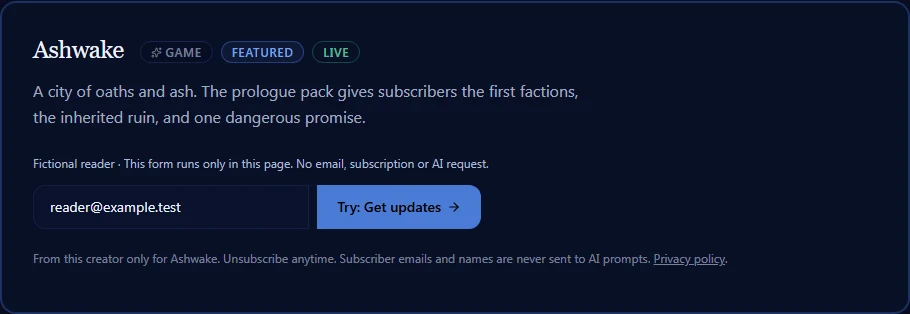
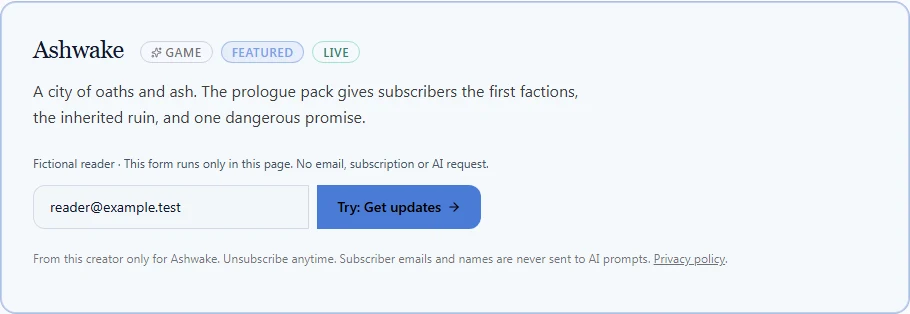
The fictional Ashwake project card with a local example capture form, supplied reader address and visible privacy information.

A world to explore. A reason to return.

Explore this hub
Selected screens from the actual hub layout with fictional projects. Sample screens, not customer results.

From a project to a relationship

The work brings them in.
Give them a reason to stay.

For the fictional Ashwake project, that reason is a first look at its story world. Your offer might be a chapter, a toolkit, or a note from behind the scenes.

  1. 01

    Give your work a home

    Add your projects, choose a handle, and arrange what visitors see first.

  2. 02

    Offer a reason to stay

    Create a useful offer for a project. Artificial intelligence (AI) helps draft the headlines, landing copy, welcome emails, and social posts. You review them before use.

  3. 03

    Keep the thread going

    Share a tracked link and learn from recorded captures. On paid plans, configure and verify your creator address before sending welcome emails.

Explore the sample hub and creator tour. No account is needed to look around; all examples are labeled.

Explore the example

More room for the work you love.

Draft from your own work

Use your project description and voice settings to draft an offer. Review, edit, and choose what to publish.

See the workflow →

Learn from the links you share

See which tracked links bring subscribers to your work. Missing sources remain direct or unknown.

Explore attribution →

Keep the relationship yours

Your hub content, generated copy, and subscriber list remain yours. Welcome sequences use your configured creator address on paid plans.

Read about data and trust →

Pricing

Start with what you need.

A hub, email capture, and one AI magnet a month on Free. More room for your projects when you need it.

Free

Free to start

  • 3 projects
  • 1 AI magnet / mo
  • Seamline @handle URL
Start building free

Spark

$12/mo

  • 10 projects
  • 5 AI magnets / mo
  • Custom domain
Upgrade to Spark

Studio

$29/mo

  • 50 projects
  • 25 AI magnets / mo
  • Custom domain
Upgrade to Studio

Compare all four plans, including Collective →

Frequently asked questions

What can I build for free?
A public hub at seamline.now/@handle, up to 3 projects, email capture, and 1 AI magnet per month. Start on Free without a card. Upgrade from Billing when you are ready.
What is a lead magnet?
A useful offer that gives someone a reason to subscribe to a project: a first chapter, a resource, or behind-the-scenes updates. Seamline helps draft the headlines, landing copy, welcome emails, and social posts around that offer. You review the drafts and provide what you promise.
What does the AI use?
AI uses creator-approved content and voice settings, feedback on generated copy, and aggregate activity counts. Creator email addresses, subscriber identities, and event guest details stay out of prompts. AI drafts are starting points for your review, not a guarantee of voice quality or results.
How do welcome emails get sent?
Welcome sequences use your configured creator address on paid plans. Verify that address and authenticate its domain before sending. Sending depends on email-provider acceptance. A capture confirms a subscription, not email delivery. There is no Seamline fallback sender.
Who owns my content and subscriber list?
Your hub content, generated copy, and subscriber list remain yours. Subscriber CSV export is available on Studio and Collective from the Subscribers page. Service providers process the data needed to run the product; our privacy page explains their roles and how to make a data request.
What happens when I reach my AI allowance?
New generation pauses when your available allowance is used. You can keep editing existing copy by hand and using your hub. A plan upgrade requires your explicit checkout; reaching a limit does not create an automatic charge.

Make room for what comes next.

Start with your work. Build the rest one thread at a time.

Start building free